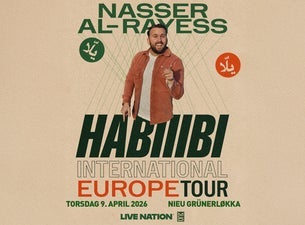
Nasser Al-Rayess: Internatinoal Habiiibi
"Humor" på nieu grünerløkka
Beskrivelse
Syrian-American comedian Nasser Al-Rayess, popularly known as @naw_sir and the "Shawarma King," has rapidly risen as a dynamic force in the comedy world. Through his sharp wit and exploration of his Arab-American identity, Nasser offers a refreshing take on pop culture and current events. His keen observational humor, especially around identity and popular Arab music, has garnered him over a million followers across social media. Nasser's impact reaches far beyond the digital realm as he has toured across the country with his stand-up comedy, gracing stages in New York City, Los Angeles, Dubai, and more. His stand-up comedy showcases his innovative comedy style, blending humor, Arabic music, and the warm ambiance of a traditional Arab gathering, leaving audiences of all backgrounds entertained and embraced. Aspiring to revolutionize Arab-American comedy, Nasser is pushing Arab culture into the mainstream. His journey of unapologetic self-acceptance continues to captivate audiences, as he leads the way in representing and celebrating Arab-American and Arab diaspora voices in comedy. Doors: 18:30 Showstart: 19:00 Age Limit: 18 years CC: 320,- Changes may come. Ticket non-refundable.
Lokasjon
Adresse: Chr. Krohgs gate 60, 0186 Oslo